GoHighLevel can bring lead capture, CRM records, communication, workflows, calendars, and reporting into one platform. However, having these features available does not automatically create an effective sales system.
Many accounts become difficult to manage because workflows are added without a clear structure. Contacts receive overlapping messages, pipeline stages do not represent reality, and the team cannot explain why an automation started.
A dependable GoHighLevel setup begins with the customer journey. The technology should support that journey, not define it.
A good HighLevel account feels simple to the sales team because the complexity has been organized behind the scenes.
01Start With the Business Process
Before opening the workflow builder, answer these questions:
- Where do leads come from?
- What makes a lead qualified?
- Which team member should own each inquiry?
- What appointment types are available?
- Which channels may be used for follow-up?
- When should automation stop?
- What should happen after a booking or no-show?
- Which results need to appear in reports?
Create a diagram of the journey from new lead to closed customer. This prevents separate workflows from solving the same problem in different ways.
02Build a Clean CRM Foundation
Pipelines and stages
Your pipeline should show meaningful progress. A practical service-business pipeline may include:
- New Lead
- Contacted
- Engaged
- Qualified
- Appointment Booked
- Appointment Completed
- Proposal Sent
- Decision Pending
- Closed Won or Closed Lost
Do not create a stage for every small action. Use tasks, tags, and custom fields for details that do not represent a major change in the opportunity.
Custom fields
Create fields for information the business will actually use, such as service interest, location, budget range, lead source, timeline, and qualification status.
Use consistent field types. A dropdown is usually better than several spellings of the same answer in a text field.
Tags
Tags are useful for temporary labels, campaign membership, and operational signals. Establish a naming structure so the account does not collect hundreds of unclear tags.
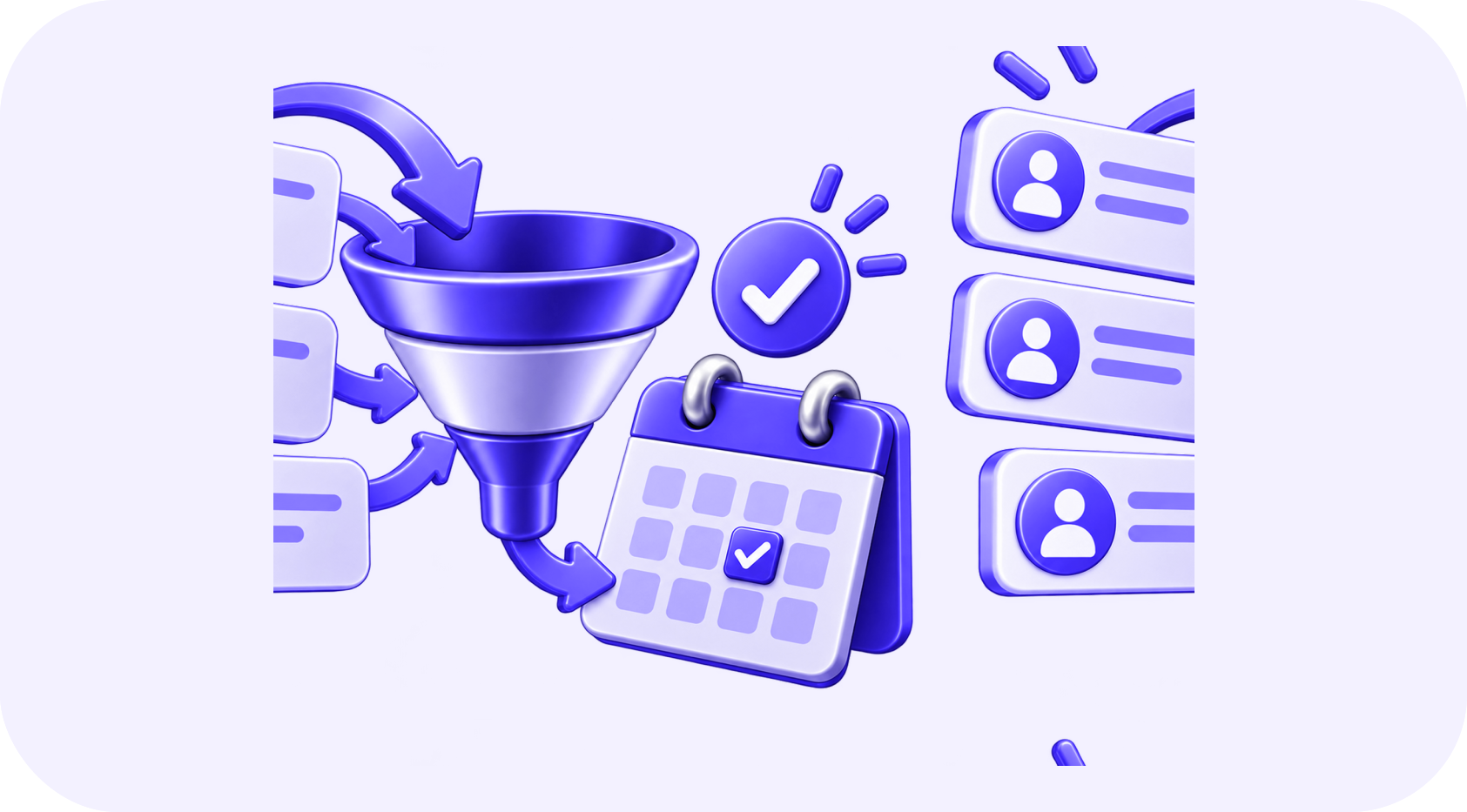
03The Lead-to-Booking Workflow
Trigger the workflow
Start from a form submission, Meta Lead Ad, incoming message, call status, survey, chat, or API event. Record the original source before other steps change the contact.
Check for required information
Confirm that the record contains a usable phone number or email address and the consent required for the selected channel.
Create or update the opportunity
Add the opportunity to the correct pipeline and avoid creating duplicates when the contact submits another form.
Assign the owner
Route by service, location, schedule, or round-robin distribution. Notify the assigned user with a direct link to the contact.
Send the first response
Thank the lead, acknowledge the request, and provide one clear next step. A short and useful message performs better than a long introduction.
Collect qualification information
Use a short form, survey, conversation, or staff call. Store important answers in custom fields rather than leaving everything inside message history.
Offer the correct calendar
Show availability for the right service, location, and team member. Configure duration, buffers, minimum notice, and scheduling limits.
Confirm the appointment
Update the opportunity, send confirmation, notify the owner, and provide preparation instructions.
Send reminders
Use a reasonable combination of email and SMS. Include the date, time, time zone, meeting location, and rescheduling option.
Process the outcome
After the appointment, move the opportunity based on a clear result. A completed consultation should start a different workflow from a cancellation or no-show.
04Use Conversation AI Carefully
HighLevel's conversational tools can help answer questions, collect details, and book appointments. They are most effective when the business provides a focused knowledge base and clear boundaries.
The assistant should know:
- Which services the business offers
- Which questions it may answer
- Which claims it must avoid
- What information is required before booking
- Which calendar matches each request
- When to transfer the conversation
- How to respond when information is unavailable
Do not allow the assistant to invent pricing, policies, or appointment availability. Test normal questions, spelling mistakes, unrelated requests, complaints, and requests for a person.
05Prevent Workflow Conflicts
One contact can meet the conditions for several workflows. Without controls, they may receive multiple messages or have their opportunity moved incorrectly.
Use safeguards such as:
- Clear entry conditions
- If/else checks for current stage and status
- Removal from older nurture workflows
- Stop-on-response settings where appropriate
- Separate operational and marketing communication
- Workflow folders and naming conventions
- Internal notes for important automatic changes
Review all workflows that can update the same field or opportunity stage.
06Track the Metrics That Matter
| Metric | What it helps you understand |
|---|---|
| Lead response time | How quickly new inquiries receive attention |
| Contact rate | Whether your data and channel strategy work |
| Qualification rate | Whether campaigns attract suitable prospects |
| Booking rate | How well follow-up creates appointments |
| Show rate | Whether reminders and qualification are effective |
| Close rate | Whether appointments become customers |
| Revenue by source | Which campaigns produce business results |
Attribution is useful only when sources are captured consistently. Test every form and advertising integration to ensure the correct campaign data reaches the contact.
07Test Before Launching
Create test contacts for each lead source. Follow every major route through the system and confirm:
- The contact and opportunity are created correctly
- The right owner is assigned
- Messages contain accurate personalization
- Replies stop or change the sequence
- Calendars show the right availability
- Bookings update the pipeline
- Cancellation and no-show paths work
- Opt-out requests are respected
- Failures generate an internal alert
Document the system and train the users before sending real leads through it.
08Build for Clarity, Not Complexity
GoHighLevel can support a complete revenue journey, but more workflows do not automatically create better results. The best account is organized around a clear process, reliable data, responsible communication, and measurable outcomes.
Build one journey well. Once the team trusts the information and the workflow performs reliably, expand it to additional services, locations, and lead sources.
Written by
The InvexTech Team
We design and build AI, CRM and software systems for growing businesses, and write about what we learn doing it.